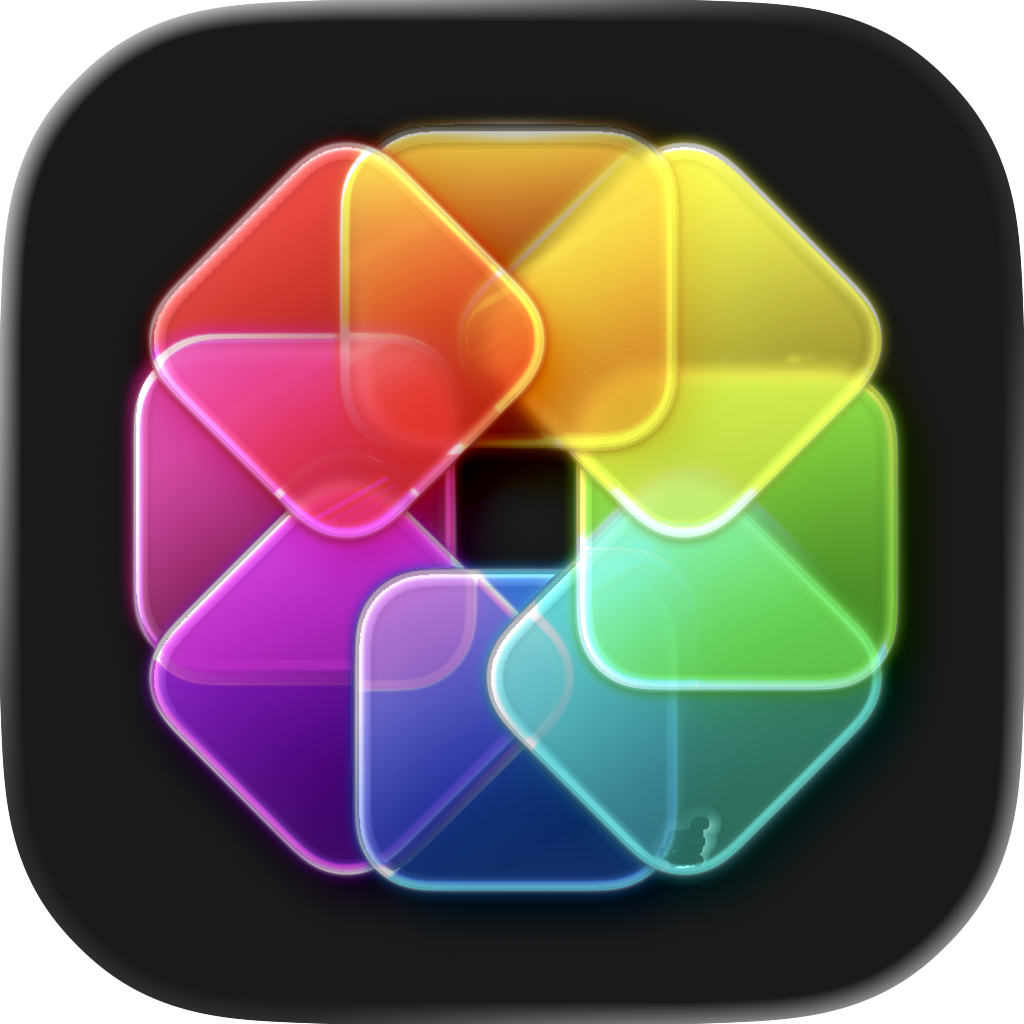
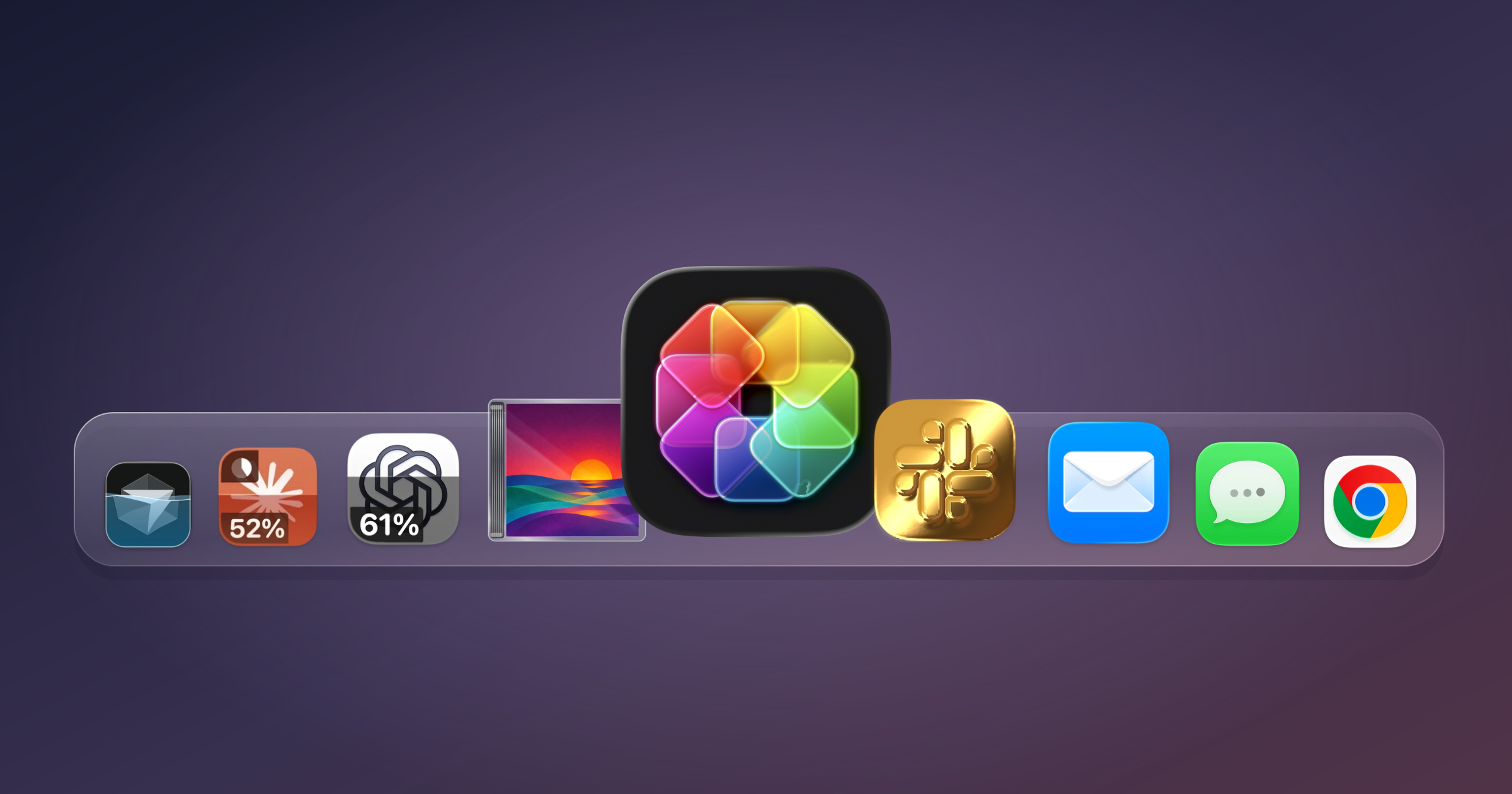
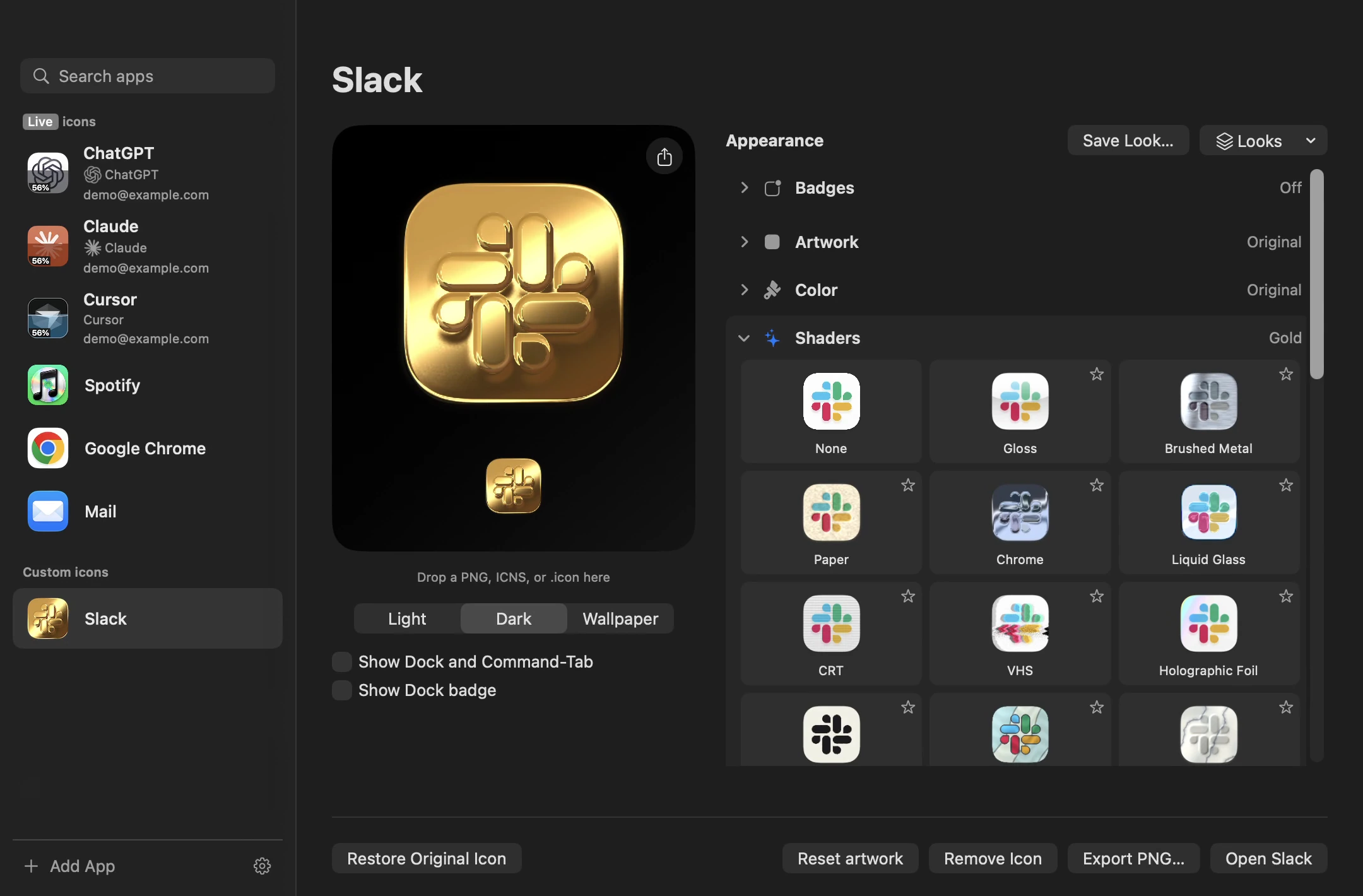
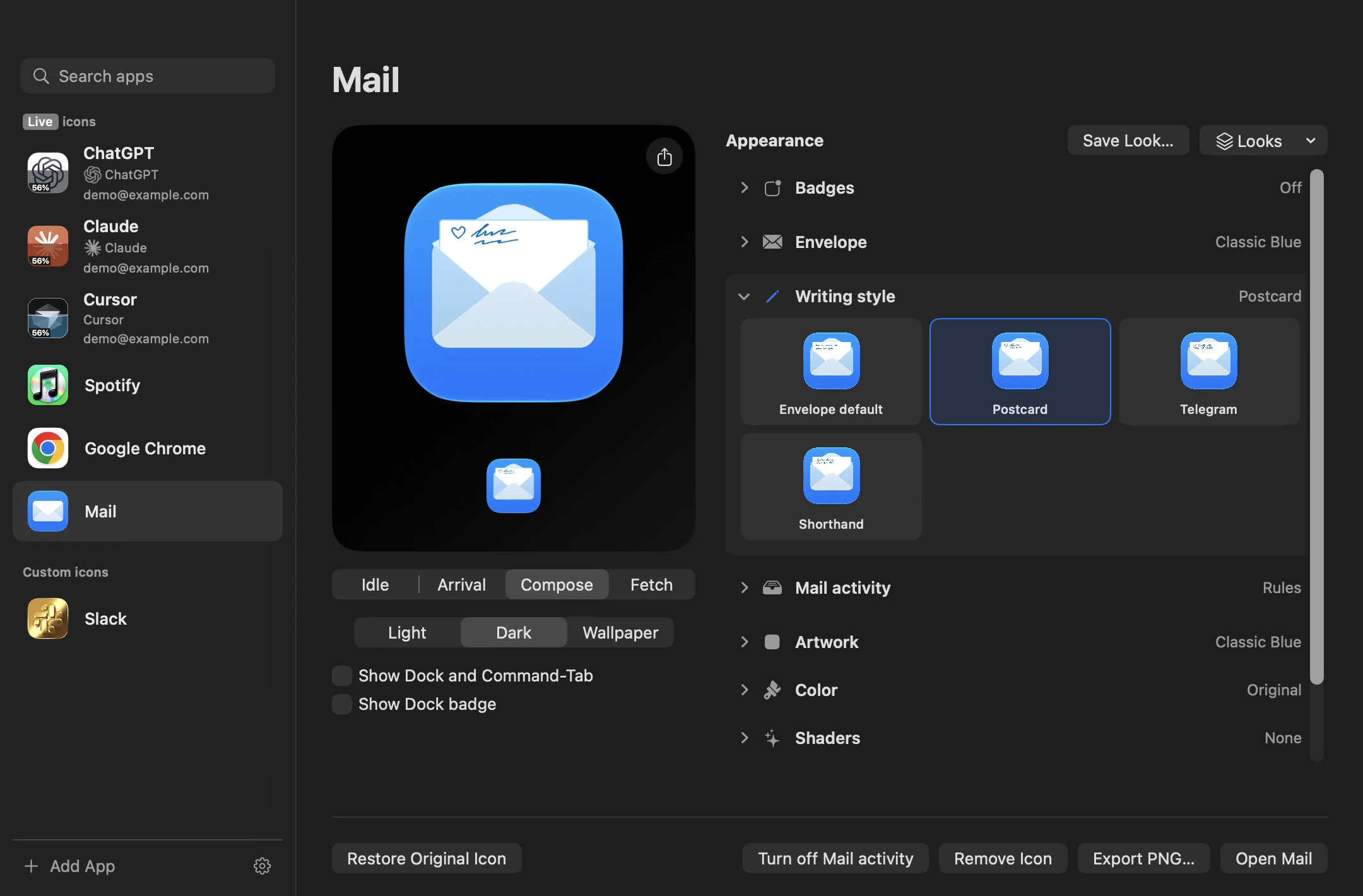
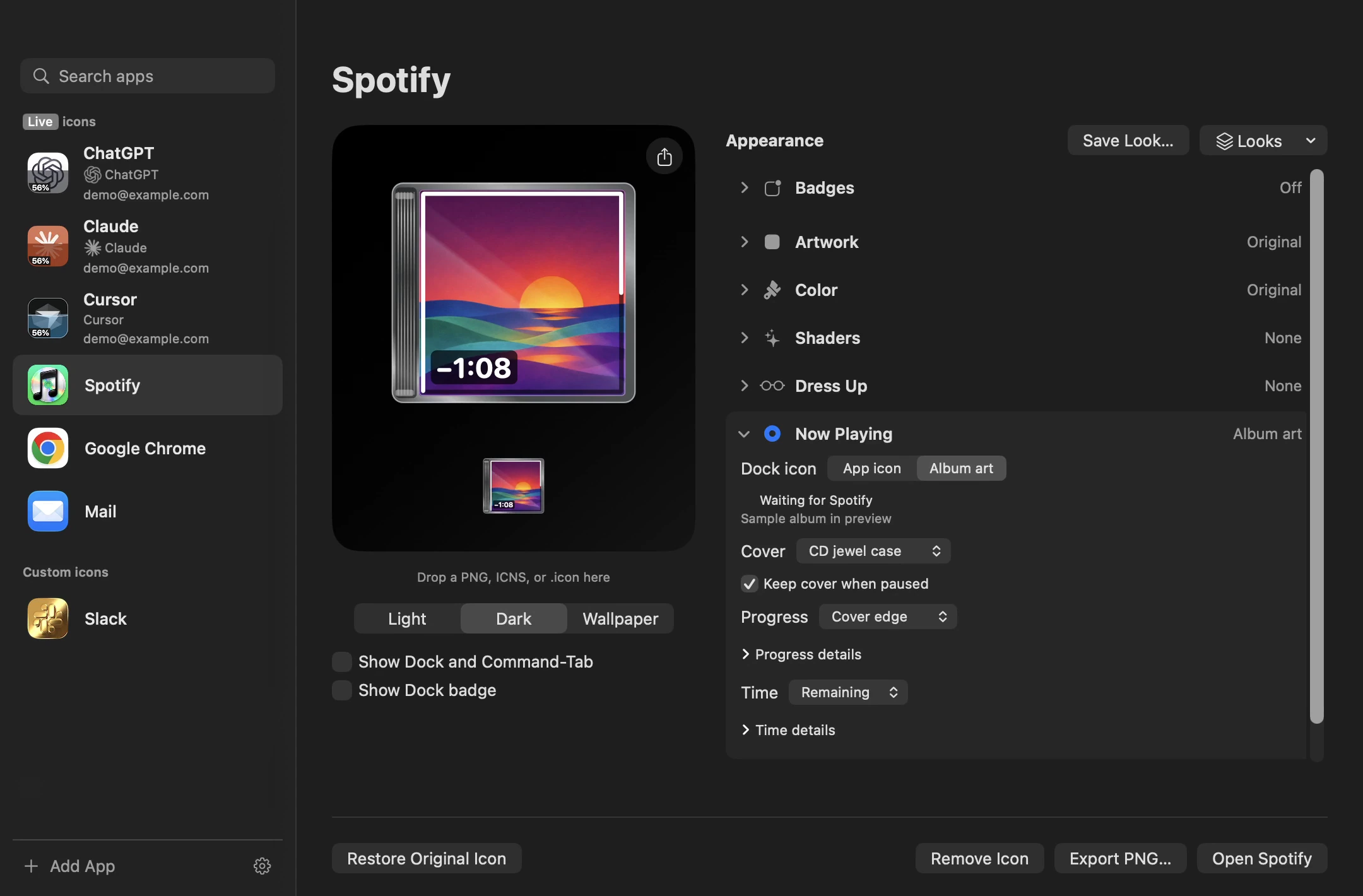
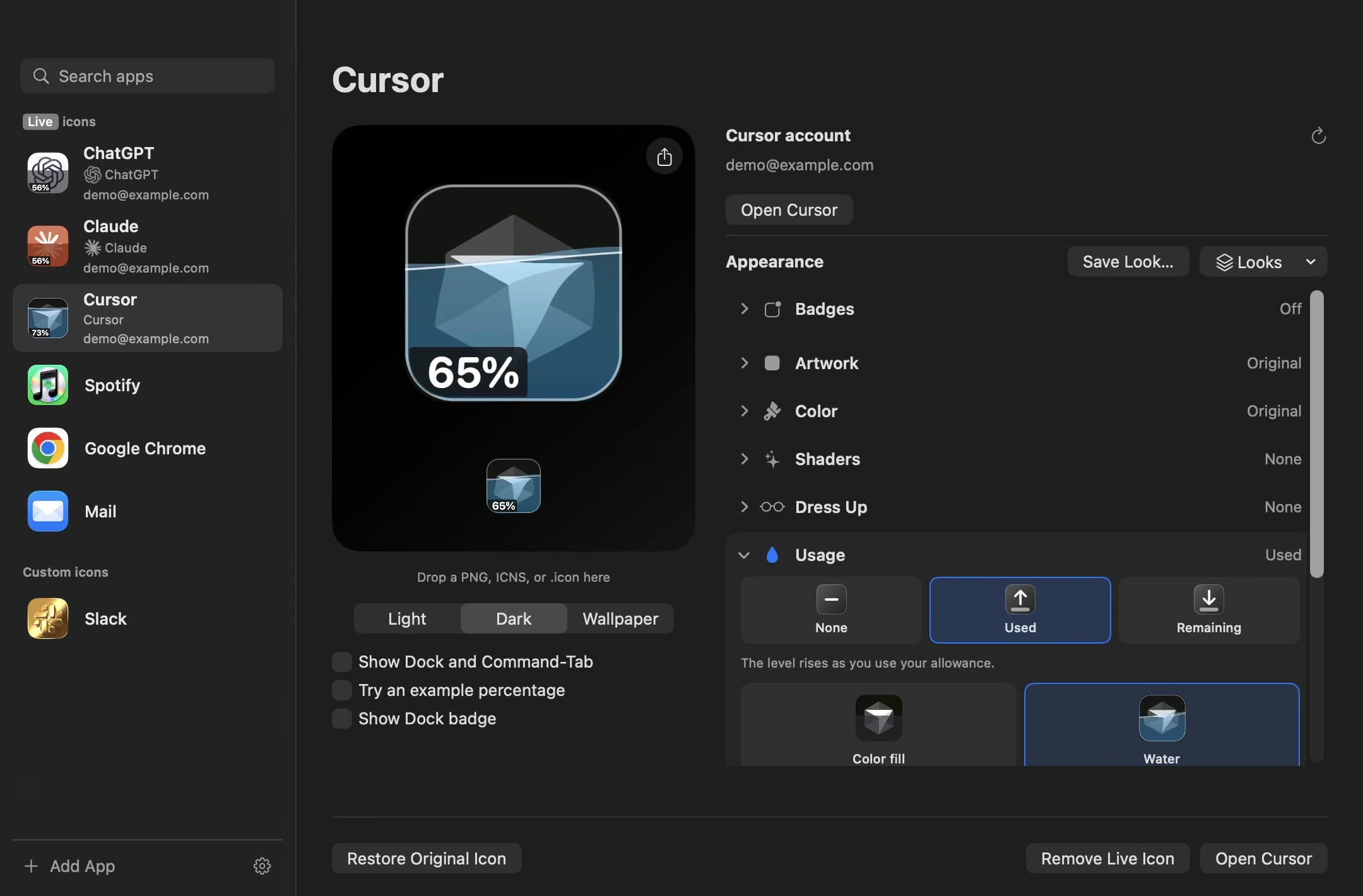
Shaders & materialsPNG ↧Mail, with personalityPNG ↧Your music in the DockPNG ↧AI usage at a glancePNG ↧
All screenshots are 2160 × 1420 pixels. Click an image to download the PNG.
About IconSwapper
Short description
IconSwapper is a native Mac app for customizing Dock icons with artwork, shaders, and decorations. Live Icons make the artwork useful, showing AI usage, the music you're playing, and activity in supported apps.
A little more detail
Your Dock is one of the most familiar parts of your Mac. IconSwapper gives you a way to make it your own.
Bring your own artwork, find an icon set, or build a look with colors, shaders, and decorations. Turn a music player's icon into the record you're playing. Show your AI allowance at a glance. Give supported apps an icon that responds to what they're doing.
IconSwapper is made by Michael Flarup, the icon designer behind Pixelresort and author of The App Icon Books. It runs on macOS 14 or later, on Intel and Apple silicon Macs. Keep IconSwapper running to maintain its Dock customizations and Live Icons.
Features
Make an icon your own. Import PNG, ICNS, or Icon Composer artwork. Adjust colors and add an emblem.
Give it a material. Try Gold, Liquid Glass, Holographic Foil, Glazed Ceramic, and more. Choose strength and motion.
Dress it up. Add eyes, string lights, foliage, confetti, and other details.
Bring it to life. Music artwork, AI usage and thinking indicators, plus activity-aware artwork for supported apps.
Make unread counts visible. Badge effects respond to the count you choose.
Save and share. Reuse Saved Looks, browse icon sets and Iconstagram, or export icon cards and short films.
Live Icons include Spotify, Apple Music, ChatGPT, Claude, Cursor, Finder, Mail, Messages, Safari, and Chrome. Behavior depends on the app, macOS configuration, and permissions. Dock and supported Command-Tab artwork are separate from Finder file icons.
Need something else
A review copy, another format, or a closer look at how it works.