Connect Music
Use the installed Music app and IconSwapper on macOS 14 or later. This setup does not use the Apple Music web player.
- In IconSwapper, choose Add App → Live Icon → Apple Music.
- Open Music and play a track. Allow the Automation request so IconSwapper can read playback.
- Select Apple Music in IconSwapper. Under Now Playing, set Dock icon to Album art.
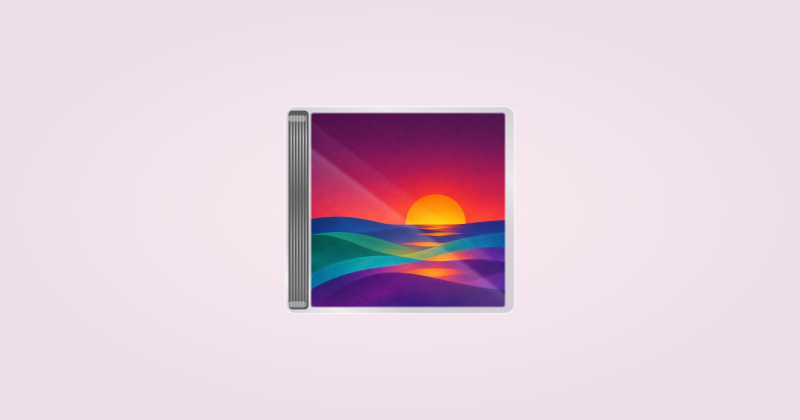
- Choose a layout under Cover. Turn on Show Dock and Command-Tab if needed, then check the actual Dock.
Keep Music and IconSwapper running. The example artwork in the editor does not confirm that playback is connected.
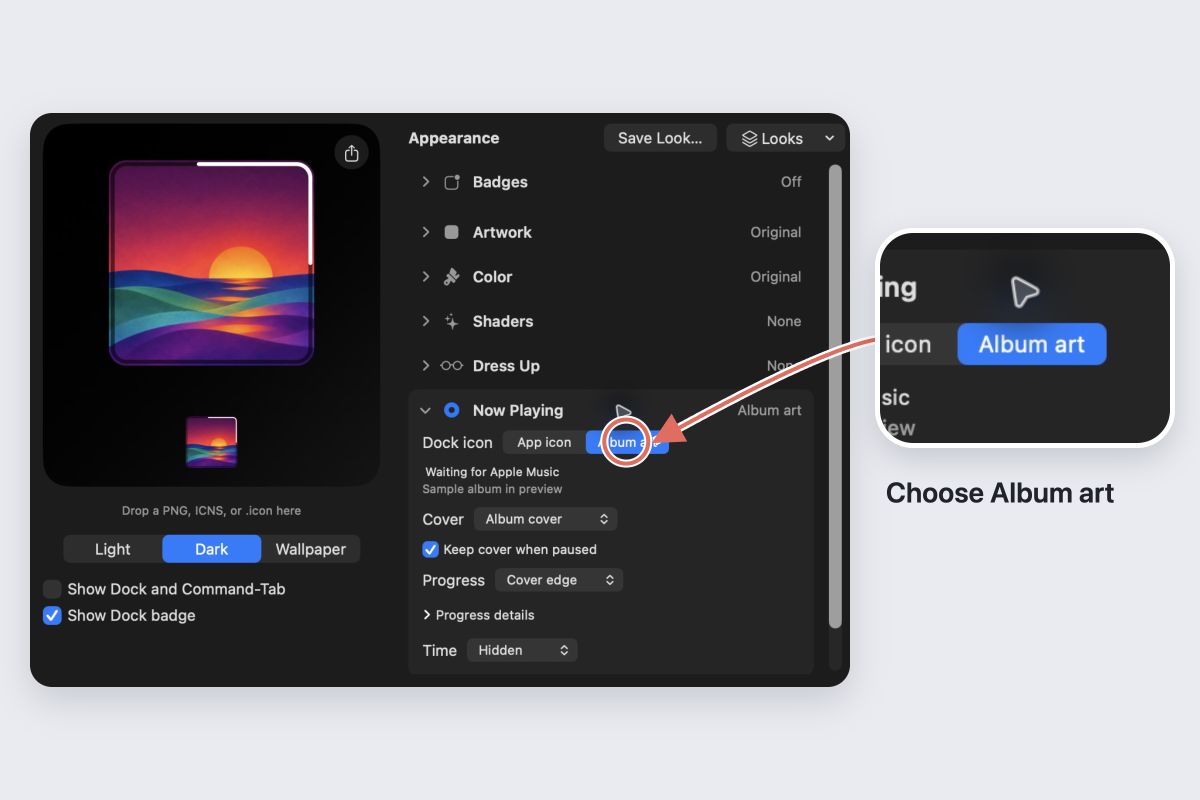
Choose what stays visible
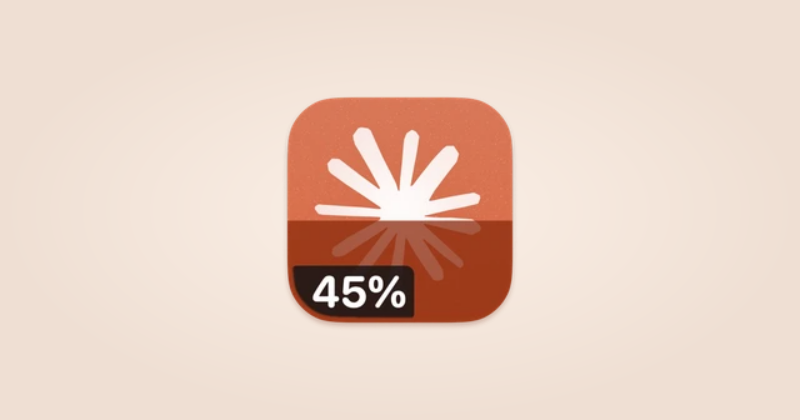
Use Progress for an edge or bar, and Time for elapsed or remaining time. Leave enough space to recognize the cover.
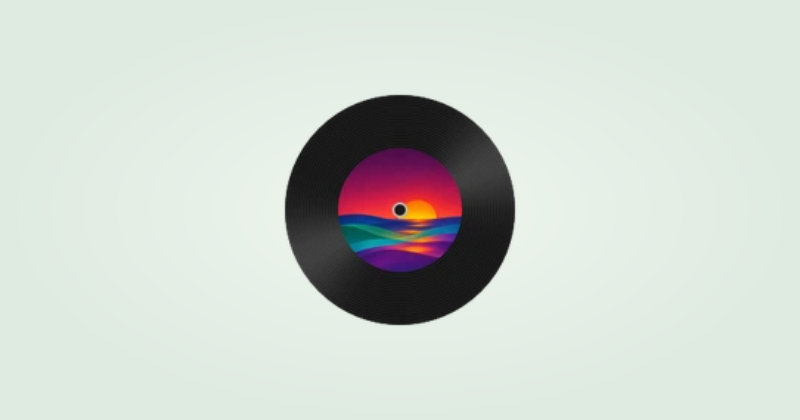
Leave Keep cover when paused on to retain the artwork. Turn it off to show the Music app icon when you pause. A spinning record holds its position during a pause.
If an album cover is missing
IconSwapper first asks Music for the track’s artwork. For streams with an Apple catalog link, it can retrieve the cover from Apple. If no artwork is available, it shows the usual app icon.
Try a track with artwork visible in Music. Check the playback status in IconSwapper and any Automation permission guidance. A sample cover is only a preview.
Switch back
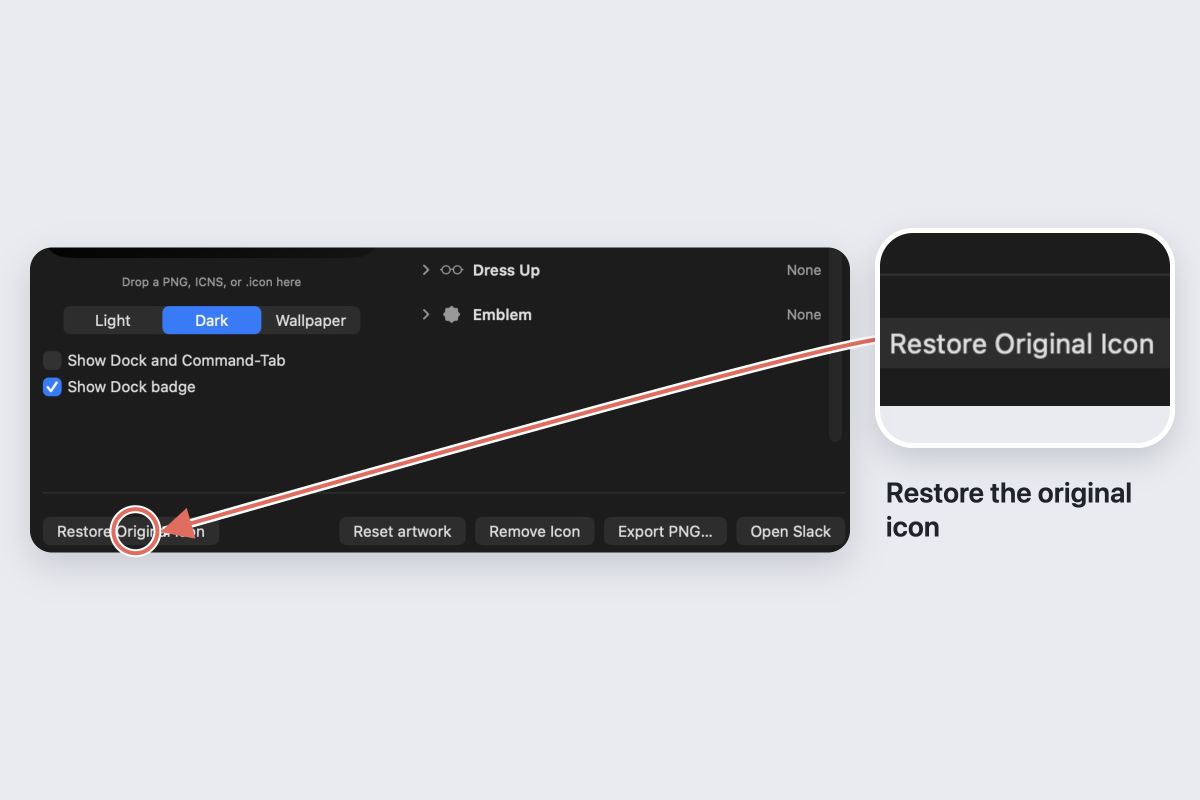
Choose Now Playing → Dock icon → App icon to stop showing covers, or Restore Original Icon to restore the original artwork.