
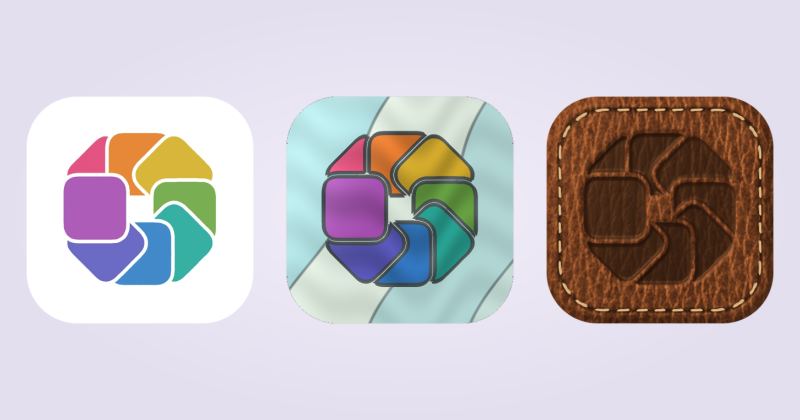
How to change Mac app icons
Change the artwork in your Dock with IconSwapper, or use Get Info for a static file icon.
Read the guide How to change Mac app iconsChange your app icons, add useful live signals, or try a new look. Pick a guide and get started.
Change the artwork in your Dock with IconSwapper, or use Get Info for a static file icon.
Read the guide How to change Mac app icons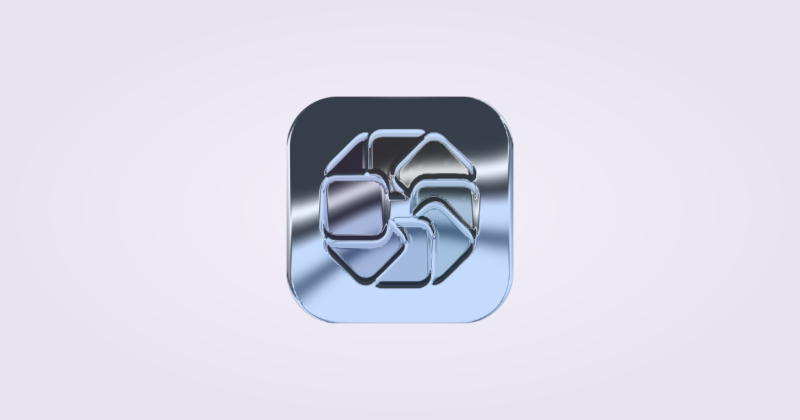
Save materials and decorations as a Look, then apply the style to a selection of apps.
Read the guide Save an icon style and reuse it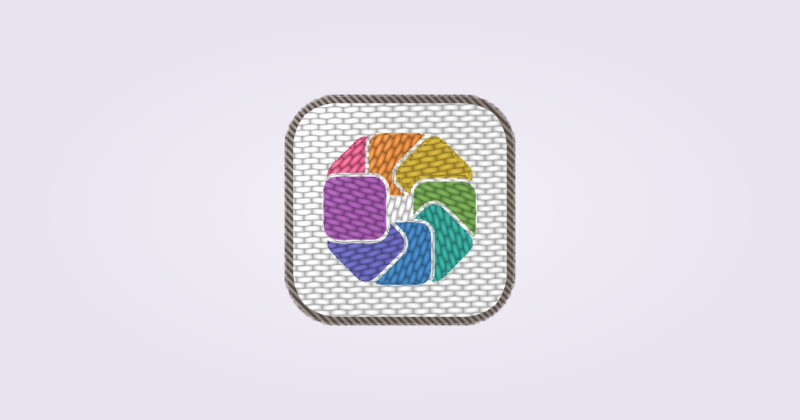
Import an image, check its shape and apply it to the Dock and Command-Tab.
Read the guide Use your own artwork as a Mac app icon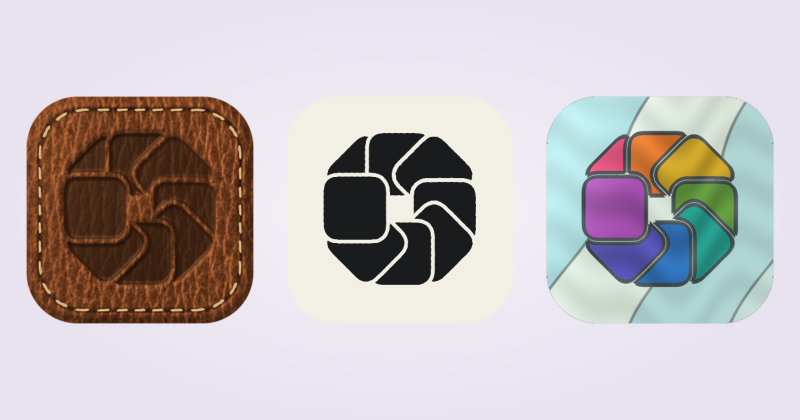
Browse the icon library, inspect the credit and try an alternative in your Dock.
Read the guide Find alternative artwork for your Mac apps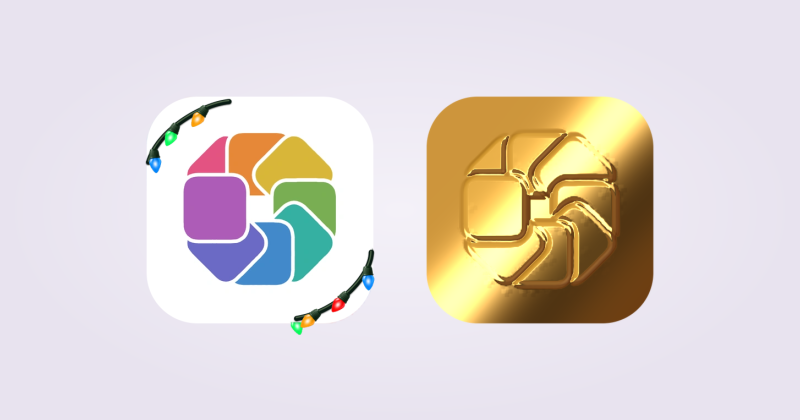
Make an image or short clip of your creation and submit it for review.
Read the guide Share your icons on Iconstagram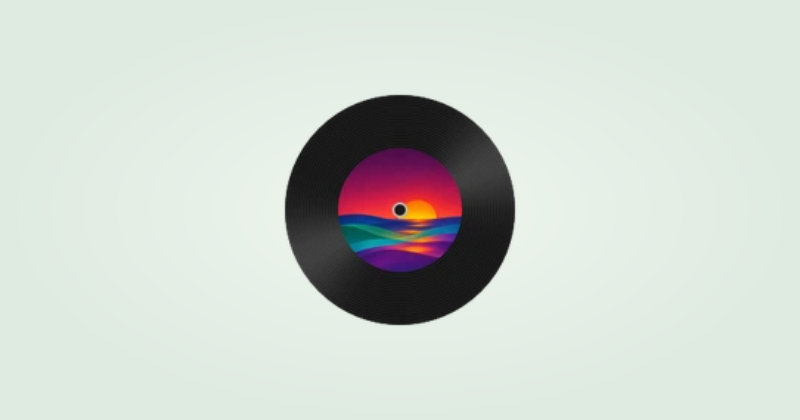
See the album you’re playing as a cover, a CD case or a spinning record.
Read the guide Show Spotify album artwork in the Dock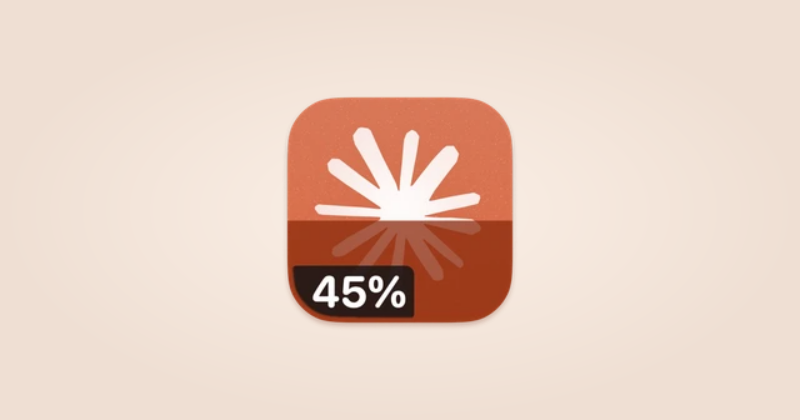
Show your Claude allowance as a fill level, add a percentage, and choose when the labels appear.
Read the guide See Claude usage in your Dock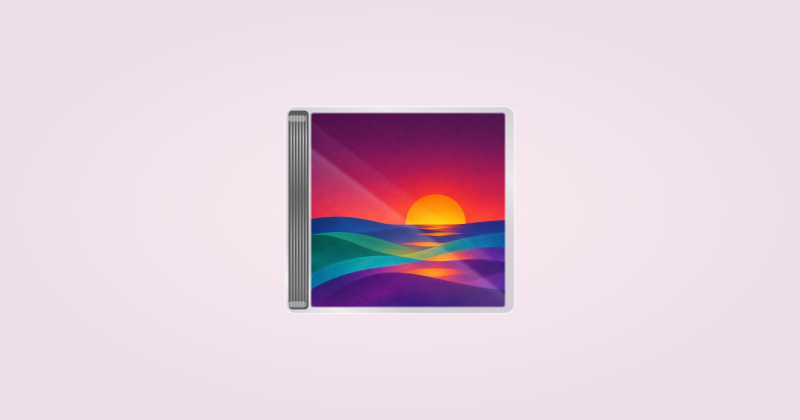
Replace the Music icon with the album you’re playing, from a simple cover to a spinning record.
Read the guide Show Apple Music album artwork in the Dock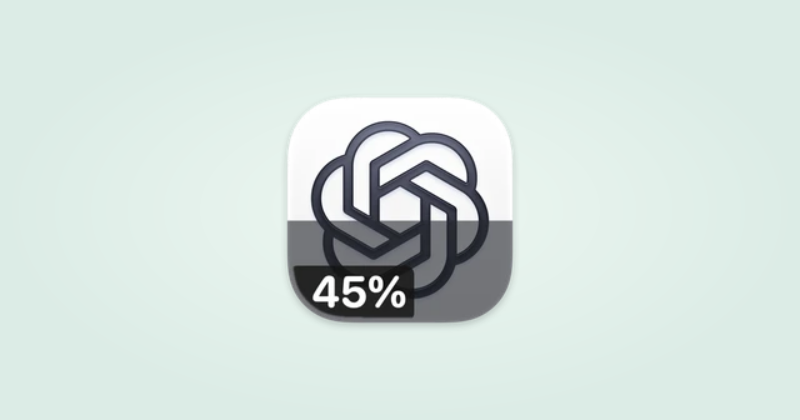
Show the allowance reported by your local Codex sign-in on the ChatGPT Live Icon.
Read the guide See ChatGPT and Codex usage in your Dock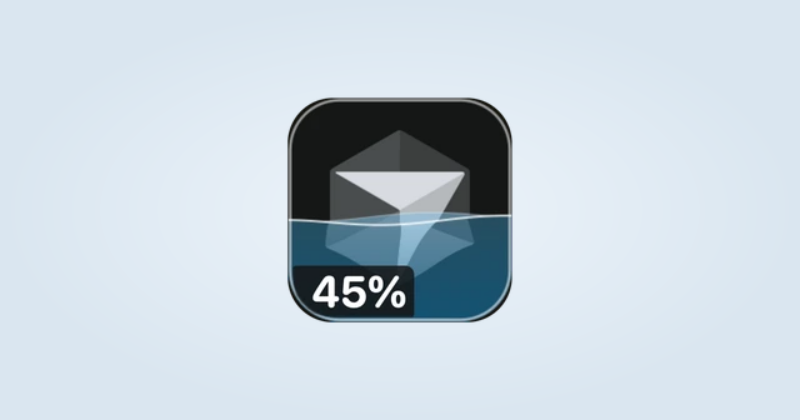
See your Cursor allowance as water inside the icon, with optional percentage and reset labels.
Read the guide Turn Cursor usage into a waterline
Give Claude, ChatGPT or Cursor a visible thinking effect in the Dock.
Read the guide Animate an icon while your AI assistant works
Animate the envelope while you compose and add a visible response when the unread badge increases.
Read the guide Make Mail react as you write and receive messages
See typing dots for the selected conversation and a small hop when the unread badge increases.
Read the guide Show typing activity on the Messages icon
Use Chrome’s Dock icon as a small loading indicator for its active tab.
Read the guide Make Chrome spin while a page loads
Choose the face, colors and movement, then save a character for your Dock.
Read the guide Make your own Finder character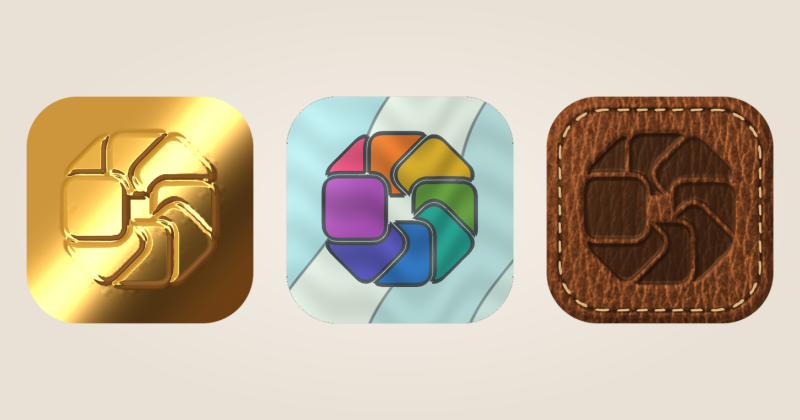
Turn an app icon into glass, gold or leather while keeping its familiar shape.
Read the guide Give your Mac icons a new material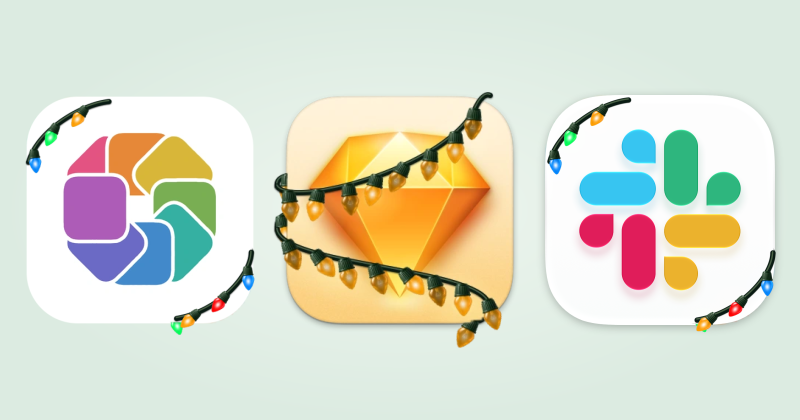
Add string lights, pine and snow to your app icons, then take them down when the season is over.
Read the guide Decorate your Mac Dock for Christmas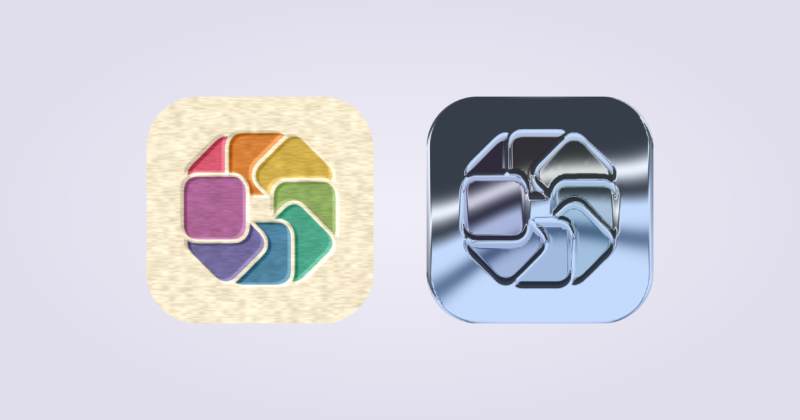
Create two versions of a Custom Icon and let them follow your Mac’s appearance.
Read the guide Make icons change with Light and Dark mode
Add an effect to a numeric Dock badge and choose the unread count that should trigger it.
Read the guide Make unread badges easier to notice
Give a few apps a shared visual style while keeping each one easy to recognize.
Read the guide Build a matching set of Dock icons
Try a restrained retro treatment with the Classic Mac material and recognizable app shapes.
Read the guide Give your Dock a classic Mac look
Keep useful signals while reducing constant motion, percentages and decorations.
Read the guide Make a quieter Dock with less animation
Check silhouette, spacing and contrast before spending time on details people will barely see.
Read the guide Design icons that work at Dock size
Check the app, the surface and the permissions before changing any settings you do not need to change.
Read the guide Fix a Mac app icon that is not changing