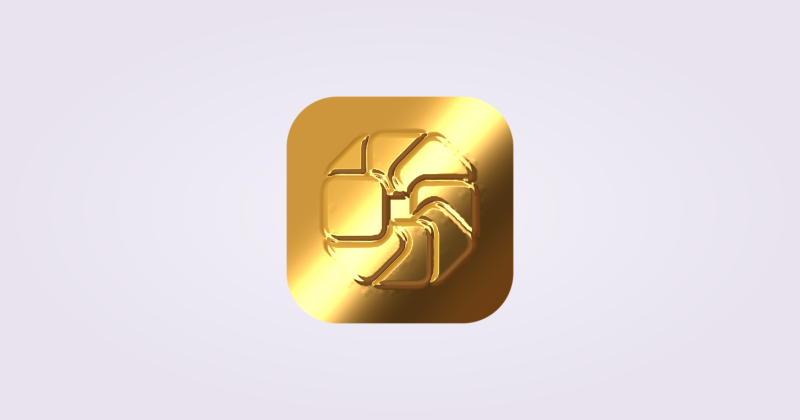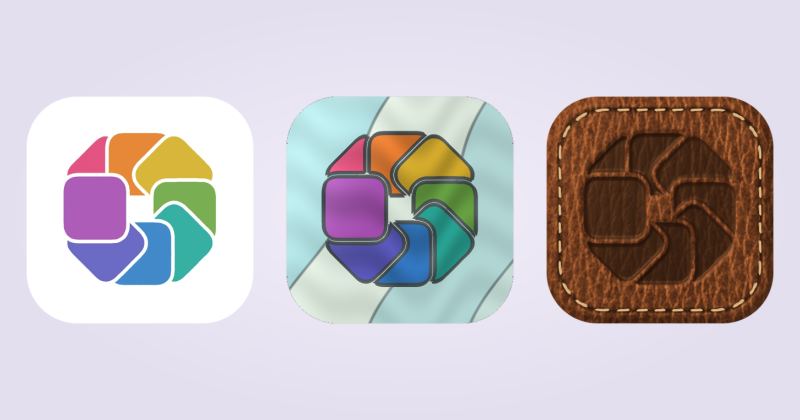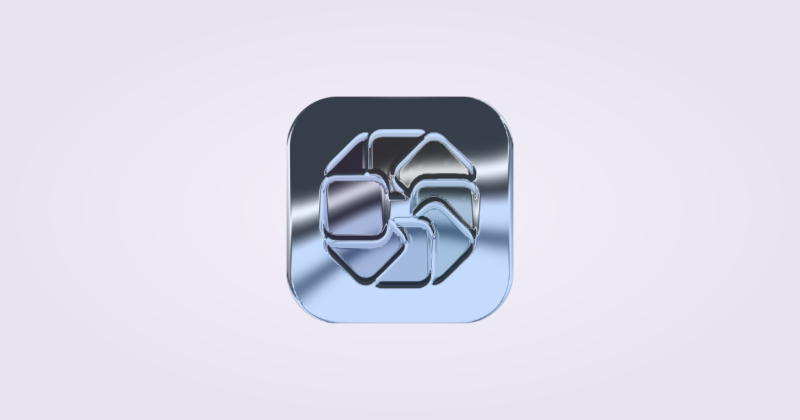
Save your first Look
Start with a Custom Icon you have styled in IconSwapper.
- Choose Save Look… and give the style a recognizable name.
- Choose Save & Preview….
- Select the apps you want to preview together. Use Choose Apps… if an app is missing.
- Review the set, then choose Apply to the selected apps.
Each app keeps its own artwork and emblem. A Look shares the treatment; it does not replace every app with the same picture.
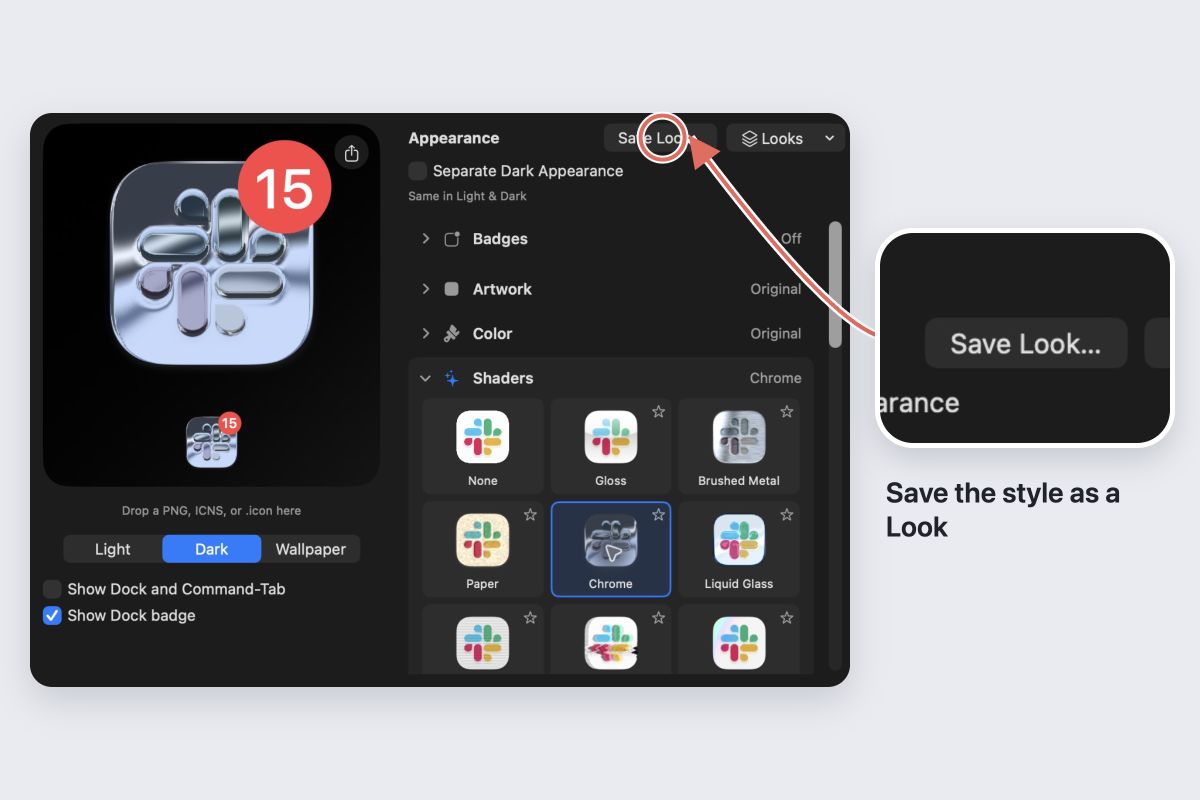
Know what travels with a Look
Looks carry reusable styling such as materials and decorations. Color replacements belong to the source icon, so other apps keep their own colors rather than inheriting those replacements.
A saved shader initially uses Automatic motion for the selected apps. Check the motion setting in the preview before applying.
Reuse and refine
Open Looks when you want to apply the saved style again. Start with a few apps and inspect them at Dock size. Adjust any decoration that covers a recognizable feature.
For icons with separate Light and Dark appearances, the Look applies only to the selected editing appearance.
Undo the batch
Review the result summary after applying. Use Undo Look to undo the batch, and inspect any entries that need a retry. For an individual icon, Restore Original Icon returns its original artwork.